CONFIGURE AUTOMATED BUILDS ON DOCKER HUB
Link to a hosted repository service
- Link into Docker Hub.
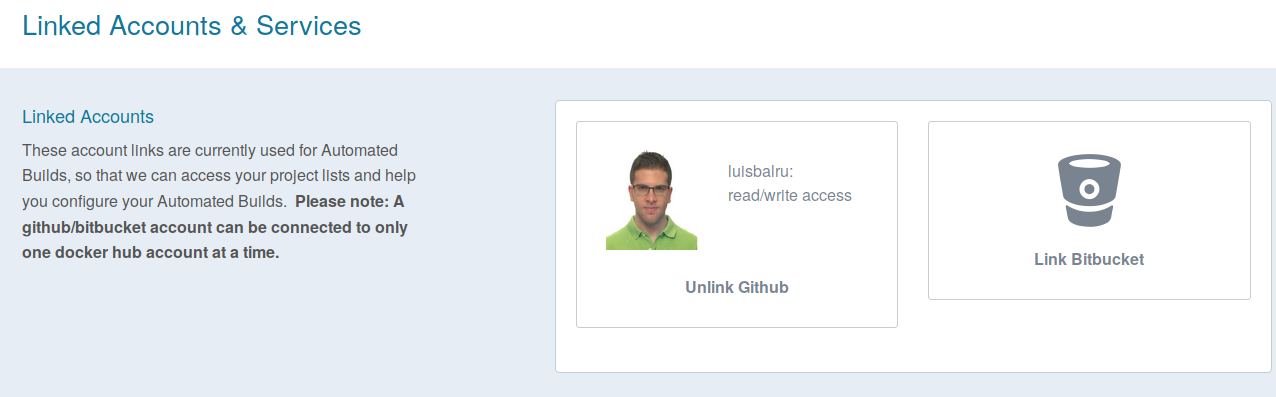
- Navigate to Profile > Settings > Linked Accounts & Services.
- Click the service you want to link (Github).
- Press Select under Public and Private connection type.
Create an automated build
- Select Create > Create Automated Build (from the drop down, upper right) on Docker Hub.
- Select from the User/Organizations.
- Pick the project to build.
- Customize your automated build.
- Click Create.

Configure automated builds from GitHub
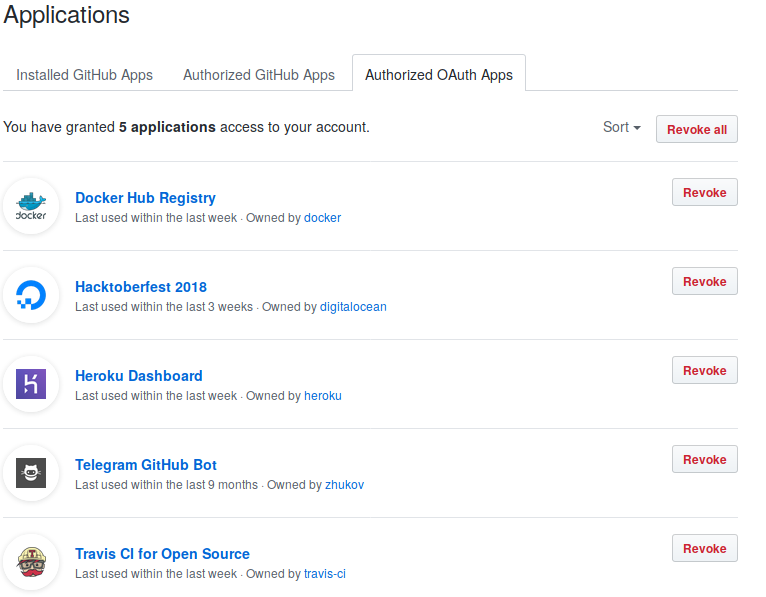
- Applications
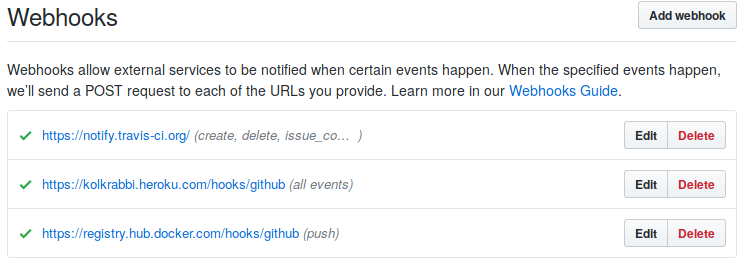
- Webhooks
Further information at DockerHub